
Responsive UX/UI – approximately 3 weeks in February 2022
The Brief
Tutoring, especially online tutoring, seems to be one field that’s pretty well established. A lot of schools have their own tutoring services, there are franchise locations, and more than a few websites where parents and students can find tutors. That doesn’t mean there aren’t still opportunities within the world of tutoring to stand out.
Setting the Scene
There’s already a lot that’s extremely beneficial to finding a tutor online, such as being able to work remotely, which significantly expands your options if you’re looking for a tutor. A competitive audit identified the main features that every company had, or at least what was important to consider:
- Appeal to K-12 and higher ed students
- Geared towards parents
- Per-hour or per-minute payment
- The ability to browse and choose tutors based on reviews
One specific subsection of tutoring that I feel is often overlooked is study groups. Over the past few years, online study groups have appeared on some websites, though they largely seem to be run by students without moderation or a guarantee of subjects covered.
User research was done through both informal surveys and interviews, with ages ranging from 16 to 64, and a variety of economic backgrounds and education levels. With the feedback gained from the research as well as what I learned with the aforementioned competitive audit, I was able to outline a basic site architecture.
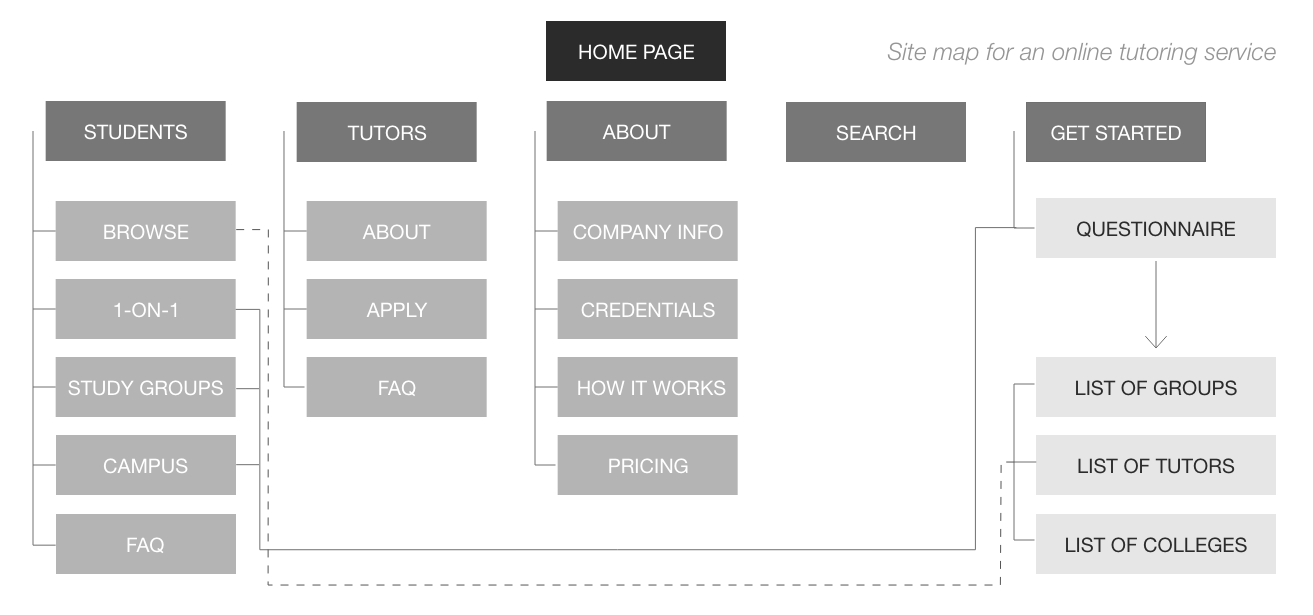
Knowing what information to include helped me come up with ways users can find it, and how they would interact with the product in general. I decided a basic introductory survey would be the easiest way to help connect the user with what they were looking for, and began thinking about that as well.
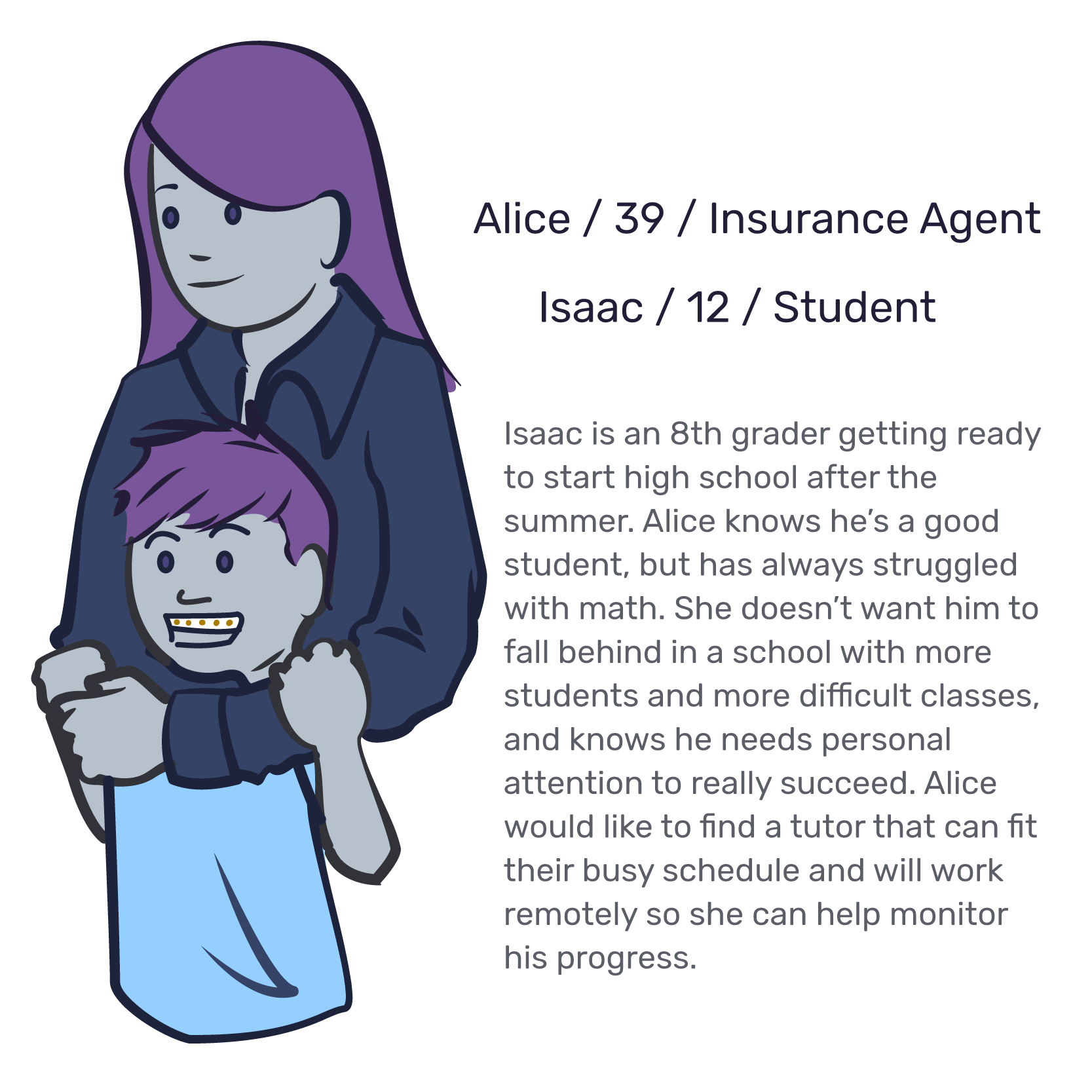
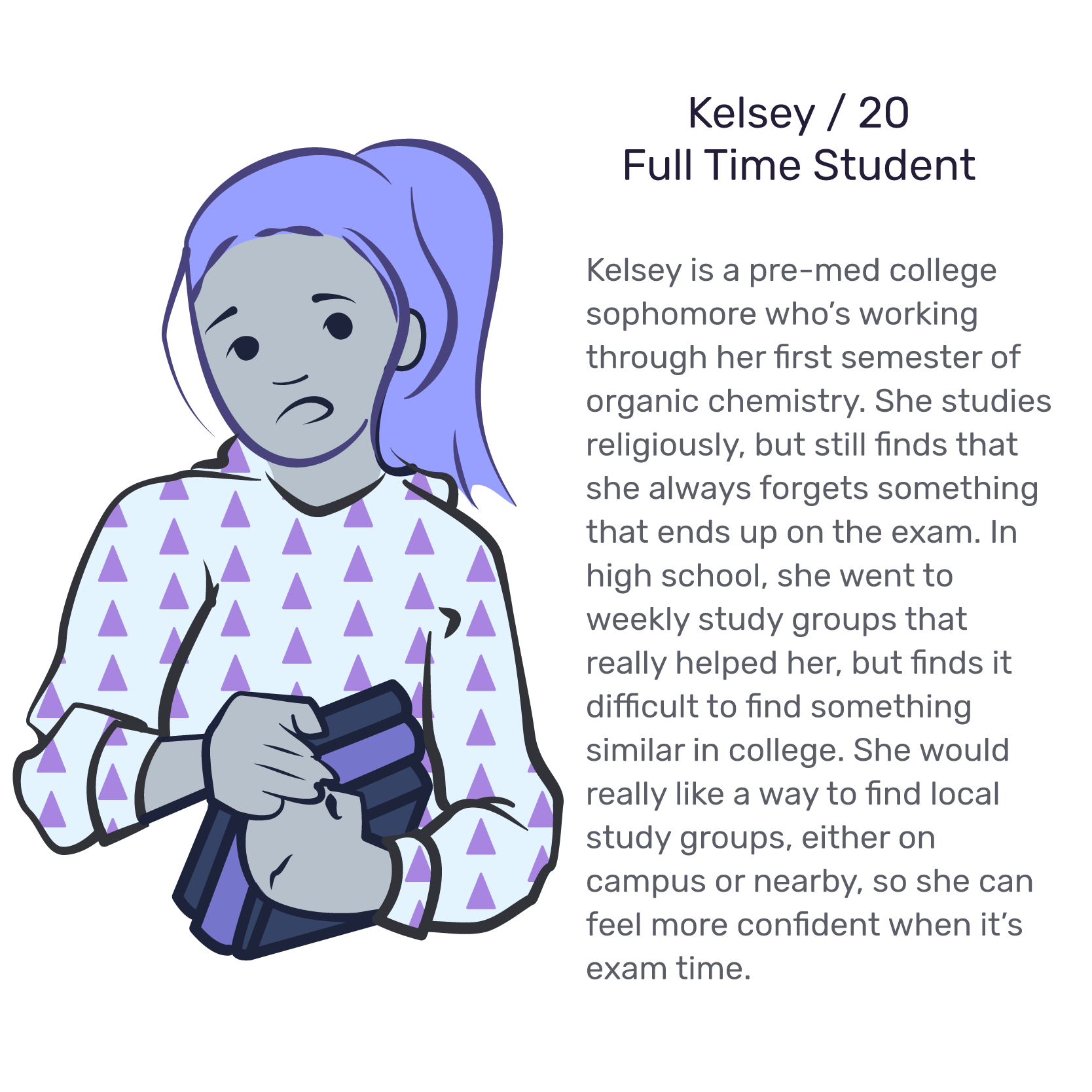
The Cast
First Draft
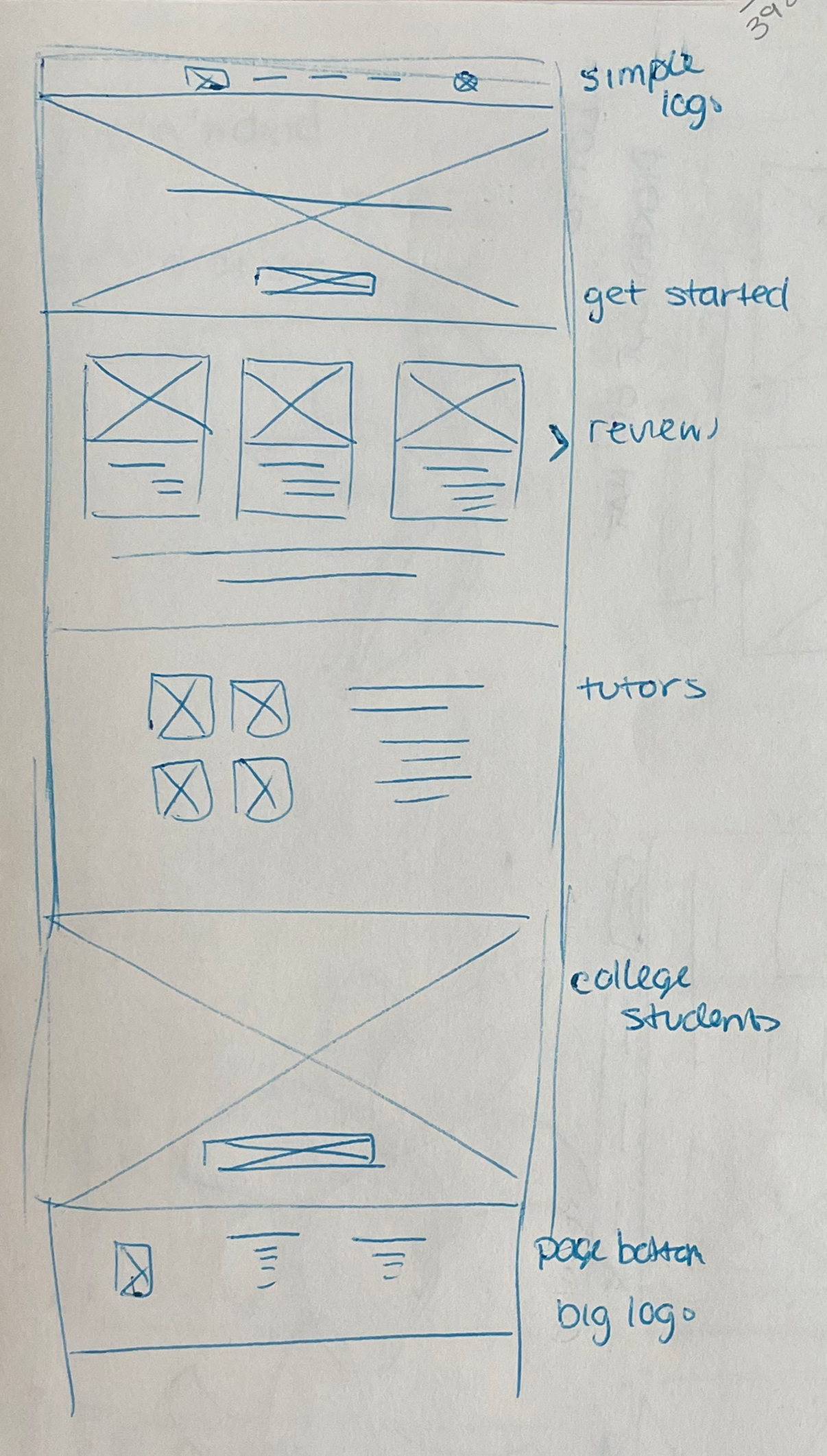
Knowing that most users would be reaching the website through a desktop or laptop computer, I took a top-down approach for the overall design. This started by identifying what information should be included for when a user first visits the website.
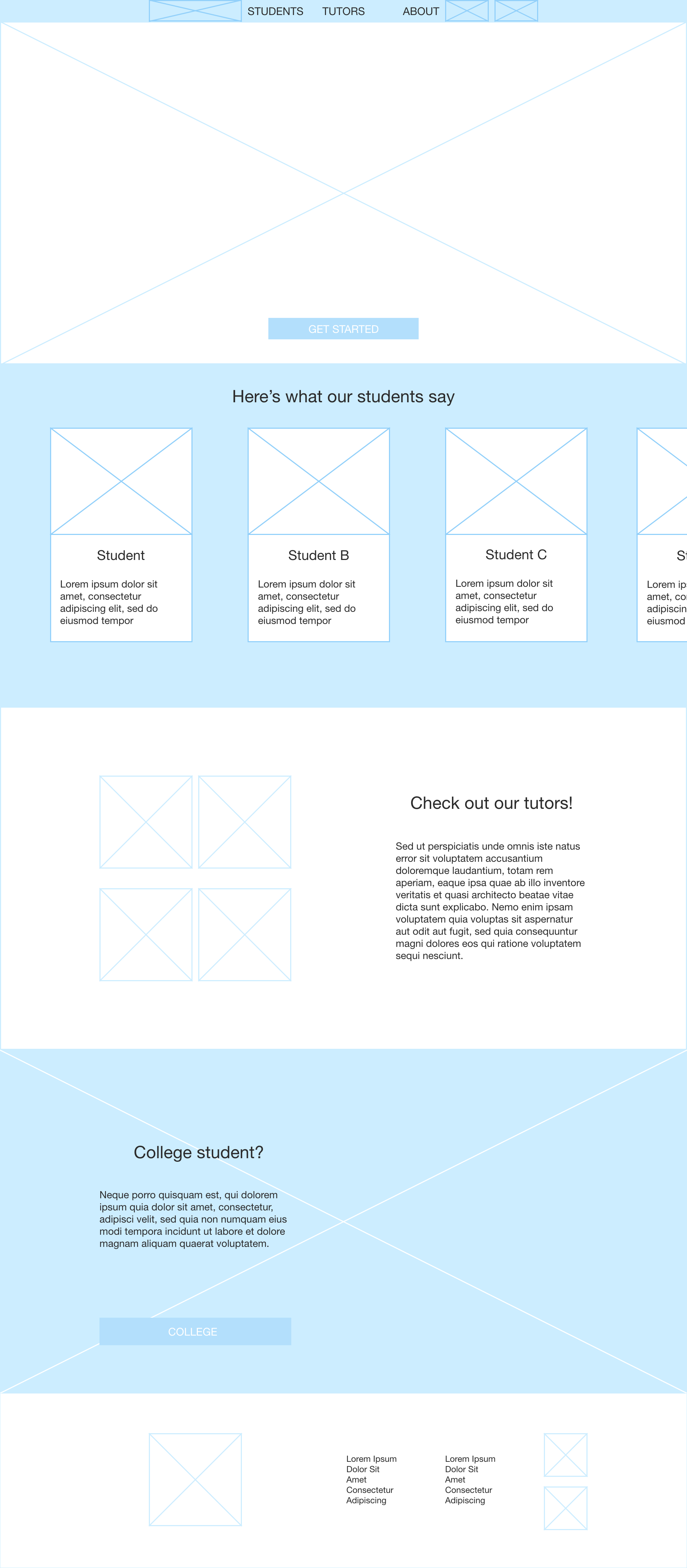
Planning the survey was my next step, and to do so I identified two important things to keep in mind:
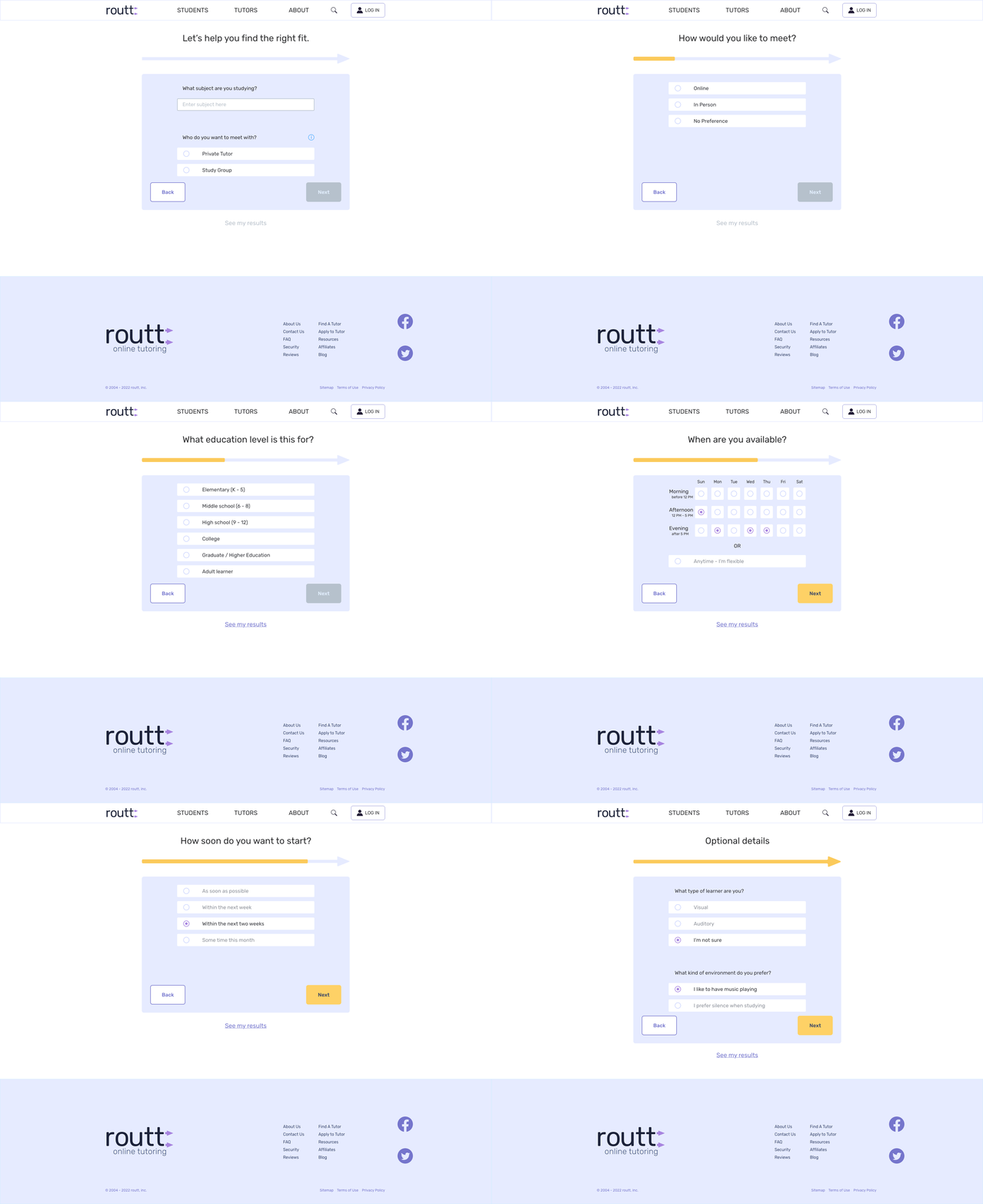
- One static page: Having an endlessly scrolling page with a bunch of questions isn’t particularly appealing. Having each question on its own page made it easier for users to digest, and didn’t force users to commit to a whole process by letting them leave the survey at any point.
- (not) 20 questions: Regardless of the layout, the number of questions and what specifically is asked can make or break a user’s desire to follow through with the whole survey. At the same time, more options meant a better fit, and a better fit meant happier users. At no point was the intent to make users feel exhausted by the process, which was echoed during my research.
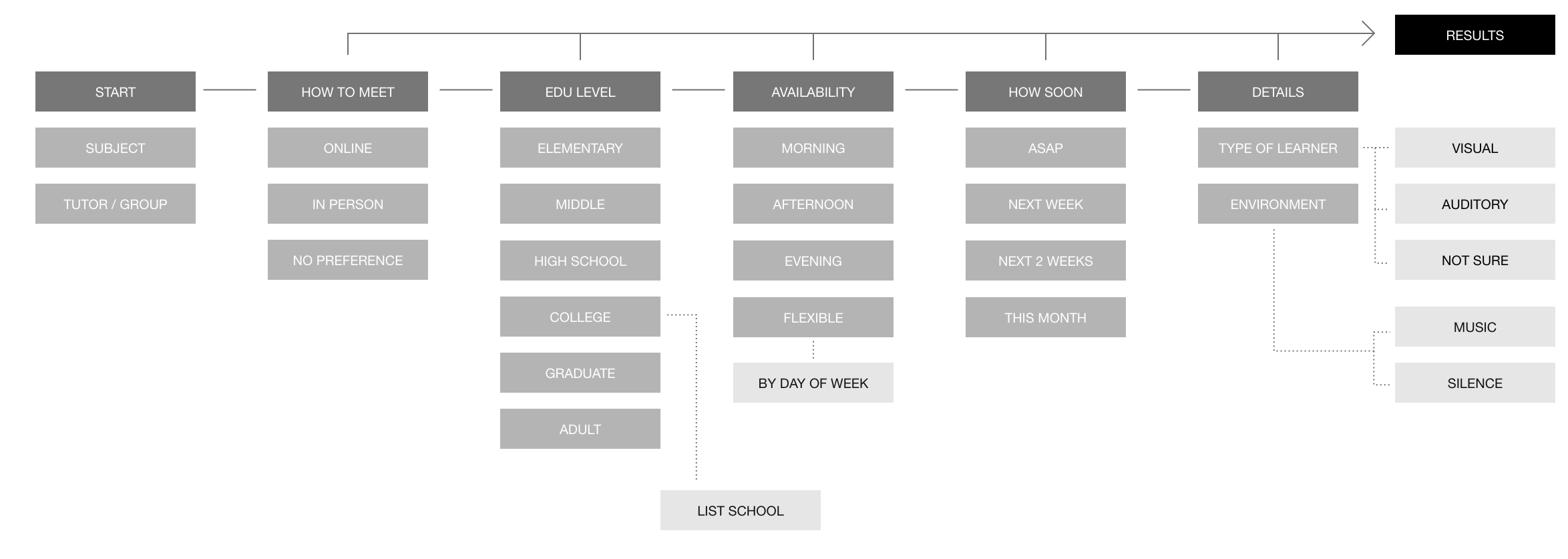
The user flow, after adding results and the contact procedure, affectionately looked like, well, a bunch of spaghetti:
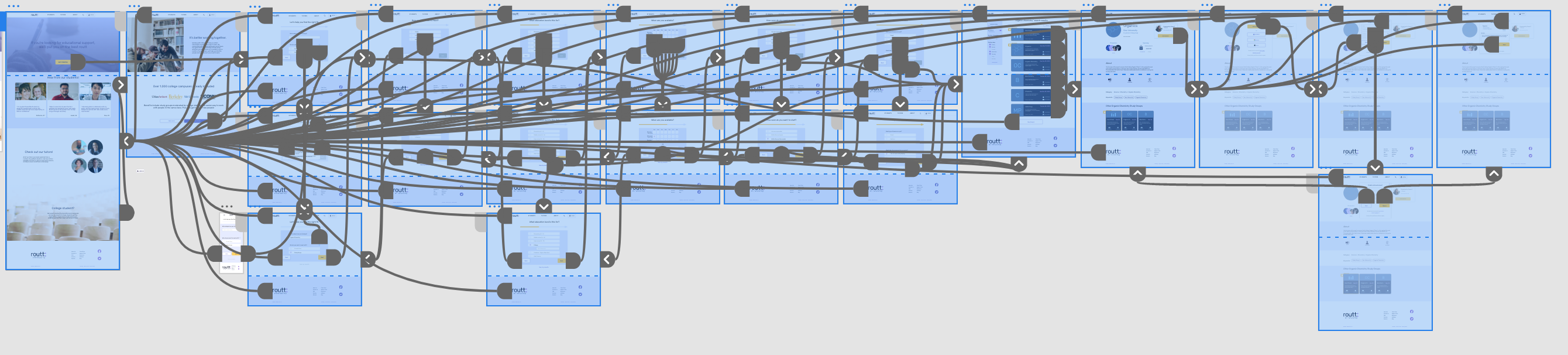
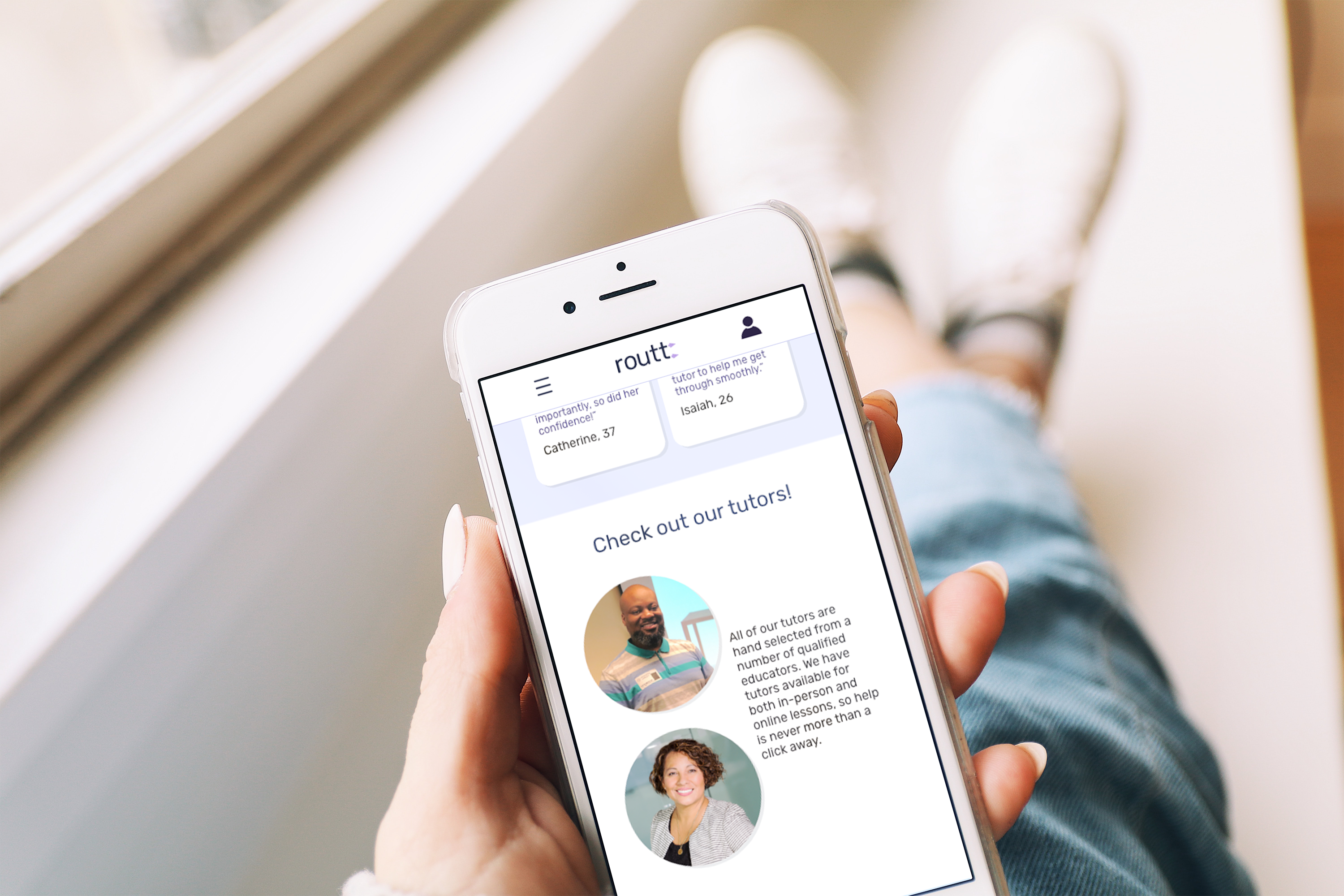
Adapting the design became a matter of restructuring the overall layout for smaller screen sizes without giving up any information or overloading the user.
Premiere
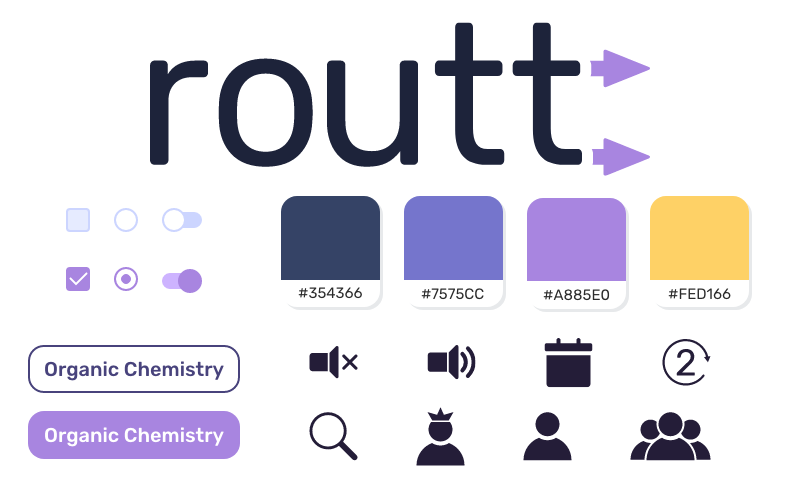
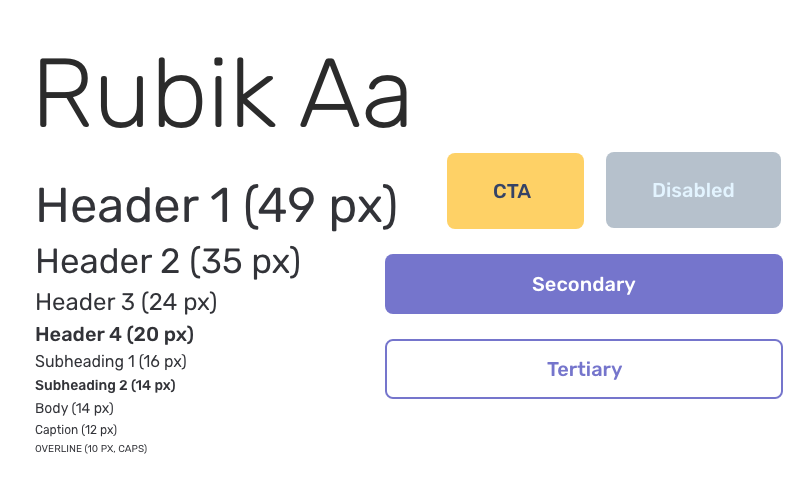
The color palette was chosen beginning with blue, which is often associated with education. Gold was chosen for contrast so it stood out and a little bit because of the “gold medal” connotations.
The final look of the survey portion is punctuated by an arrow progress bar that fills up with gold for every question the user answers:

Going From Here
Focusing in on tutoring was interesting for me specifically, as while I have experience with tutoring, it’s largely from the perspective of a young student whose parents did most of the hard work. Viewing it from this lens helped me personally empathize with both angles: as a parent, the difficulty of narrowing in on an affordable solution, and as a student, trying to find a resource that you know will be beneficial.
Expanding upon this design would include more exploration into inclusion with schools, specifically how it would look and what steps would be involved. There’s also potential for finding ways to include students with learning disabilities, and being able to connect both students and parents with the appropriate resources.
 Vicky I